
The OptiScaler Client has received a significant update to version 1.0.6, bringing deeper integration for alternative PC launchers and updated upscaling technology. The desktop utility, which manages OptiScaler mods for games supporting DLSS, FSR, or XeSS, is now available for download via its official repository.
Quick Facts
- Launcher Support: Added compatibility for Heroic Games Launcher.
- Upscaling: Experimental FSR 4.1.1 support included for non-RDNA4 graphics cards.
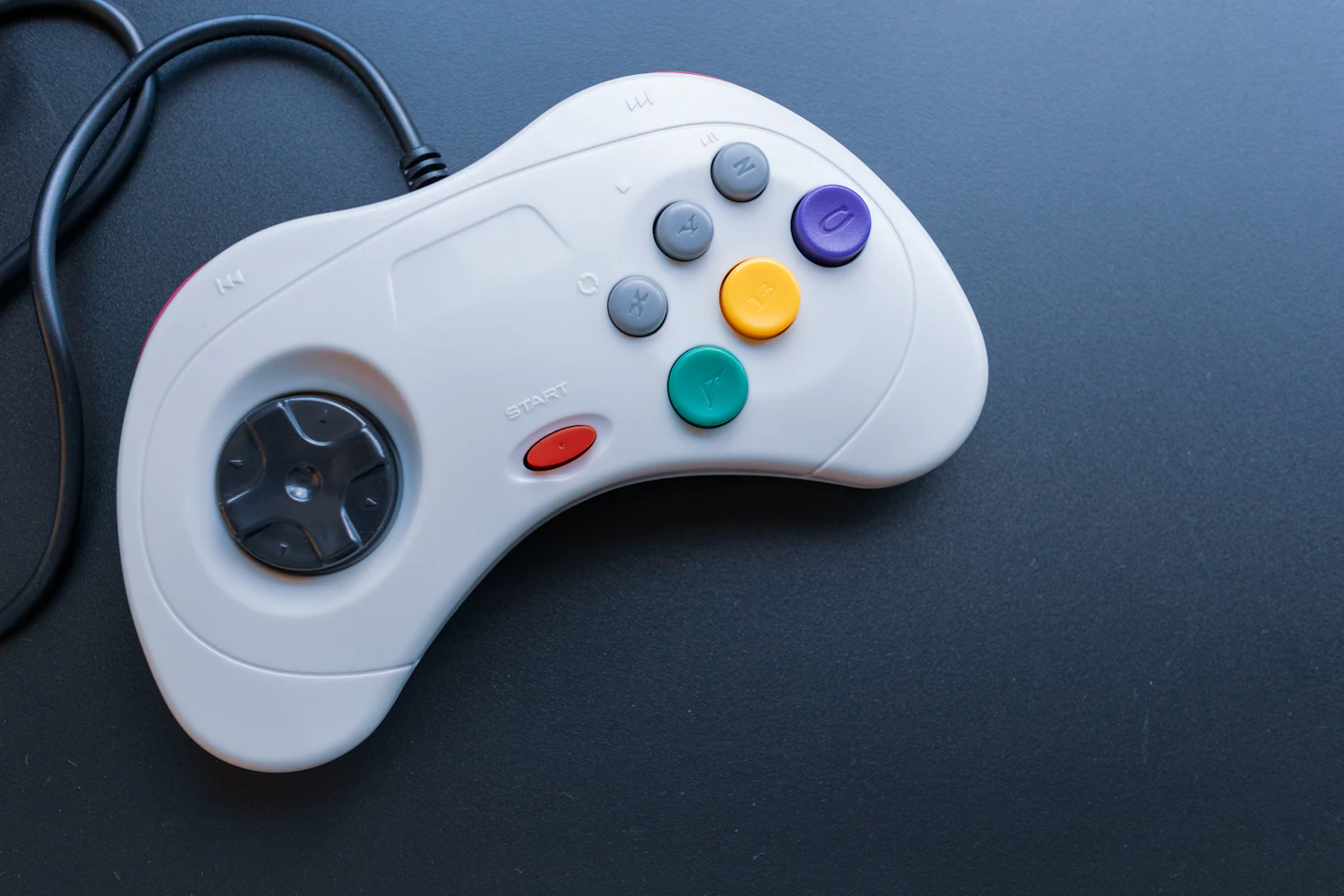
- Controller Access: Added beta gamepad navigation for both Windows and Linux.
- Linux Improvements: Added AUR support, Nix devShell integration, and fixed FSR4 INT8 bundle deployment issues on SteamOS.
New Integrations and Management
The update improves how players interact with their libraries. Users can now utilize real-time filtering in the Games view and mark titles as favorites. For those managing configurations, the Manage view now displays recommended settings fetched directly from the OptiScaler compatibility page.
To streamline the user experience, the developers have refactored Steam file parsing logic and ensured that game-specific settings are automatically backed up during the update process. Visual indicators have also been added to the interface to clearly differentiate between native in-game upscalers and those applied via the OptiScaler mod.
Experimental Features
While the client now includes beta gamepad support for navigating the interface, the developers note that some interactions may not yet be fully fluid. Similarly, the addition of FSR 4.1.1 for older GPUs remains an experimental feature that has not undergone extensive testing. Users are encouraged to report bugs to assist with further refinement.