
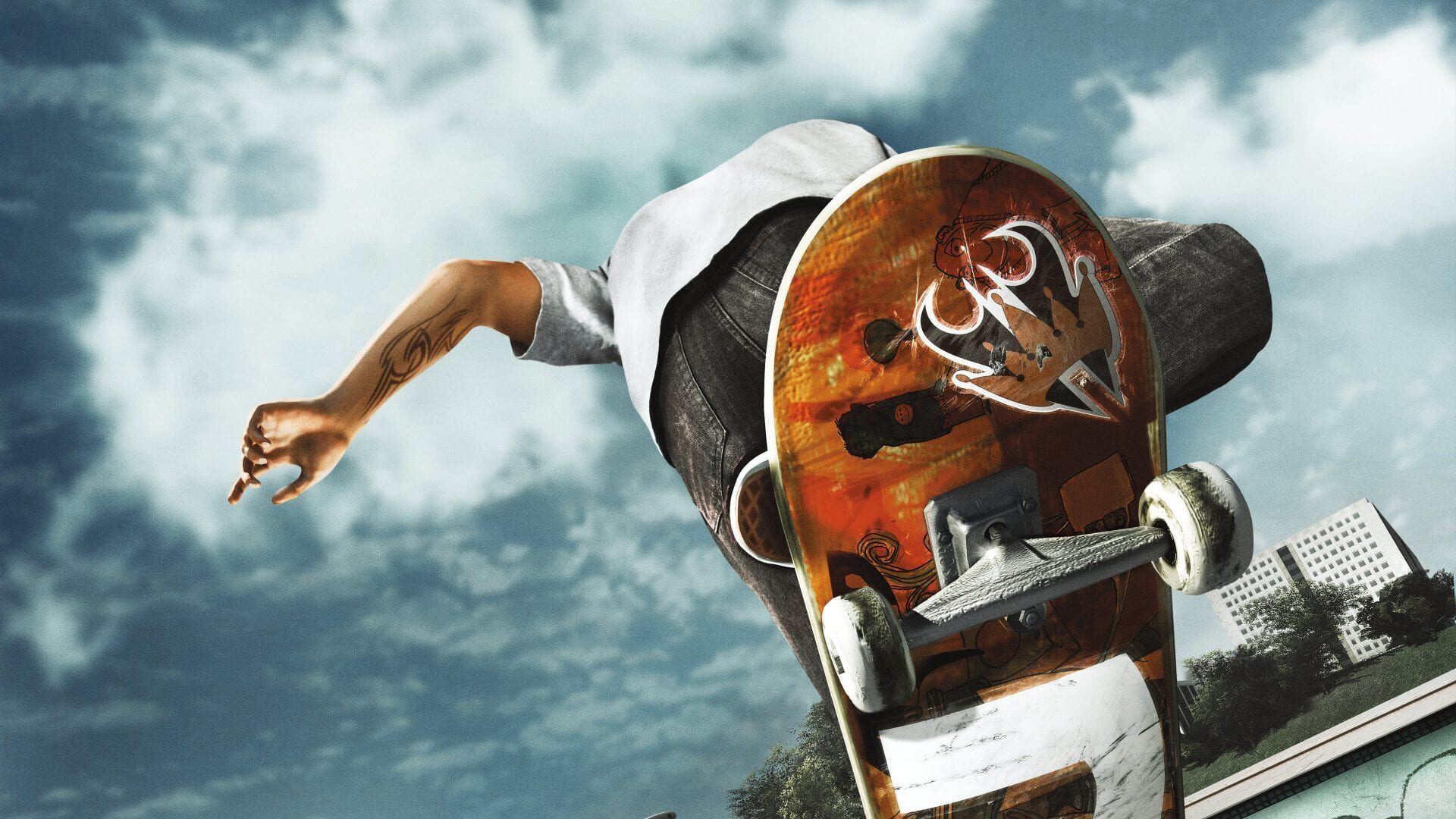
The unofficial Skate 3 Recomp project has reached a major milestone with the release of version 2.0 (and the subsequent 2.0.2 hotfix). This update brings a native renderer to the PC port of the classic Xbox 360 title, replacing the previous emulated GPU approach with support for modern graphics APIs. Players can now run the game using Direct3D 12 or Vulkan, resulting in significant performance improvements.
Quick Facts
- Native Renderer: Replaces Xbox 360 emulation with D3D12/Vulkan, allowing for native gameplay, HUD, and menu rendering.
- Performance: Reported frame rates show more than double the performance at a quarter of the GPU power draw, with macOS seeing jumps from ~25 FPS to ~250 FPS.
- Graphics Features: Includes support for up to 8x MSAA, real-time PCSS soft shadows, ambient occlusion, HDR, and volumetric lighting.
- Display: Adds experimental 21:9 ultrawide support and increased draw distance up to 5x.
Technical Enhancements
The move to a native renderer allows for a more stable experience. Users can switch between renderers live using the F5 key or the Video settings menu. If the native renderer encounters an unrecoverable error, the game is designed to fall back to the emulated renderer with an on-screen indicator. On Windows, the build includes both graphics backends, while Linux and macOS strictly utilize Vulkan.
Beyond raw performance, the 2.0 update introduces a completely redesigned settings interface. This menu now accommodates lower-resolution displays, such as the Steam Deck, and allows for live adjustments to most graphics options. The update also addresses common PC port pain points, including an Auto-framerate cap to reduce display judder and a dedicated discrete GPU picker to prevent the game from defaulting to integrated graphics.
Input and System Stability
Input flexibility has been improved with a new Controller Backend setting on Windows. Players can choose between XInput or SDL, the latter of which provides native support for DualSense, Switch, and generic controllers. Linux and macOS installations use SDL by default.
Stability fixes include the introduction of portable save support, allowing users to keep their progress and settings in a local saves folder. The update also mitigates video memory growth issues when switching maps and resolves audio crackling caused by underruns. For macOS users, the game now launches as a proper application with Retina-sharp UI scaling and improved text input support on Apple Silicon.
Known Limitations
While the 2.0 release offers substantial upgrades, the developers note several ongoing issues. Players may still encounter occasional texture pop-in or flickering during rapid map streaming. Additionally, there are current visual inconsistencies within the edit skater mode, the Hall of Meat (specifically missing bone highlights), and certain elements of skate park editing.