
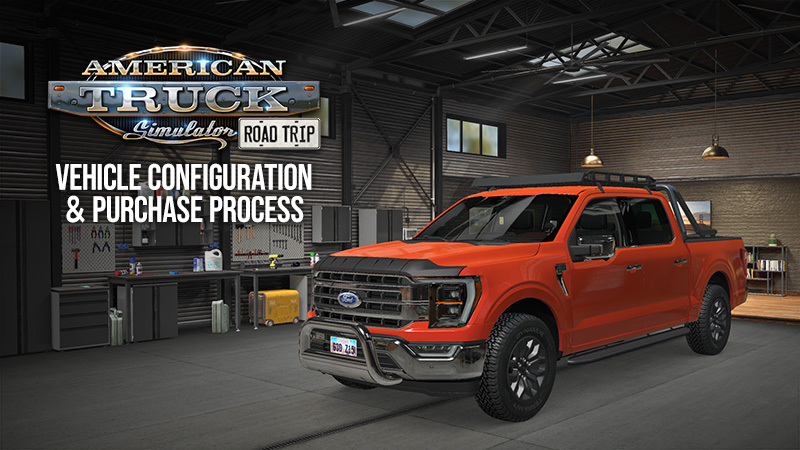
SCS Software has revealed the mechanics for the new vehicle purchase and customization systems arriving with the Road Trip project for American Truck Simulator. Unlike the standard truck acquisition process, players will manage their non-commercial vehicles through a dedicated interface on the in-game desktop.
Using the Car Dealer and My Cars Tabs
Players looking to drive vehicles such as the Ford Mustang or Dodge Challenger must access the Car Dealer tab. Available brands and models are tied directly to the specific Car Pack DLCs a user owns, such as the Ford Car Pack or the RAM & Dodge Car Pack. Within this menu, users can:
- Compare technical specifications side-by-side using a table view.
- Inspect light signatures, interior details, and model specifications.
- Select unique paint colors before finalizing a purchase.
Once a vehicle is acquired, it can be managed via the My Cars tab in the in-game desktop. This virtual garage acts as the hub for all player-owned cars, allowing for direct configuration. Through the 'Configure' menu, players can apply various paint jobs and select from a range of exterior and interior parts, with support for compatible cabin accessories.
Platform and Availability
The Road Trip features are currently in development for PC. While the developer has not provided a final release date, they are actively researching additional customization options and expanding the vehicle experience. Interested players can add the Ford Car Pack and RAM & Dodge Car Pack to their Steam wishlists to prepare for the upcoming content.