
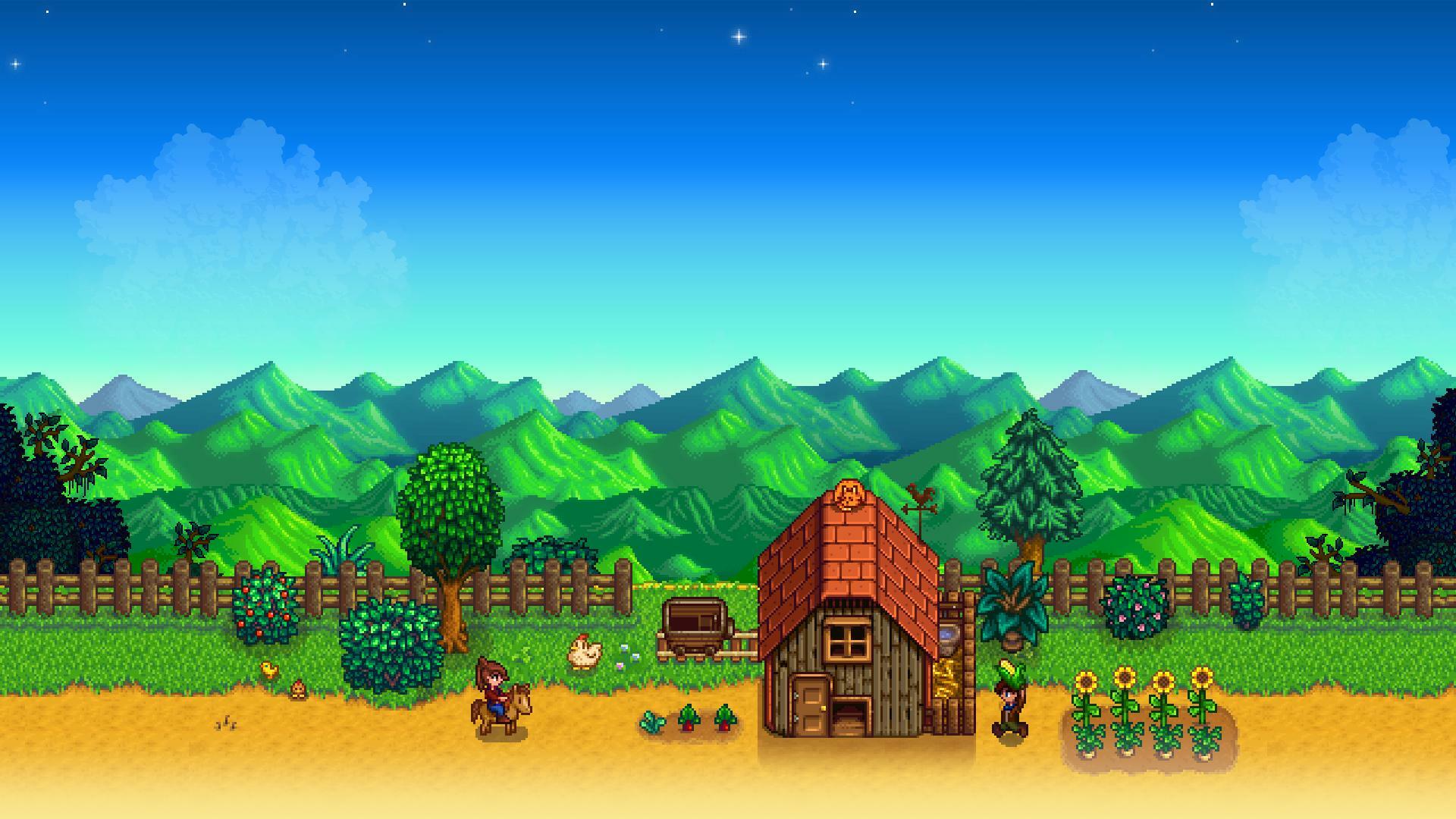
If you are looking to play Stardew Valley on Android, the game is available as part of the Google Play Pass subscription service. The mobile port is designed to offer the full experience found on consoles, allowing you to manage your farm, explore mines, and interact with the village directly from your phone.
How to Access Stardew Valley on Android
- Verify Your Subscription: Ensure you have an active Google Play Pass subscription linked to your Google account.
- Visit the Play Store: Open the Google Play Store app on your Android device.
- Search for the Game: Use the search bar to find Stardew Valley.
- Install the Game: Because it is included in your Play Pass subscription, you can download and install the game without an additional purchase.
Gameplay Experience and Controls
The Android version of Stardew Valley is built to mirror the console experience. You have two primary control options:
- Touch Controls: The game is fully optimized for touchscreen play, allowing you to navigate the village and manage your crops with standard gestures.
- Controller Support: If you prefer a traditional setup, the game supports external controllers, which can be paired with your device via Bluetooth or a wired connection.
Whether you are raising animals, fighting slimes in the mines, or building relationships with the villagers, the mobile port functions as a complete version of the title. No additional setup is required to access the full feature set beyond verifying your Play Pass entitlement through the Google Play Store.