
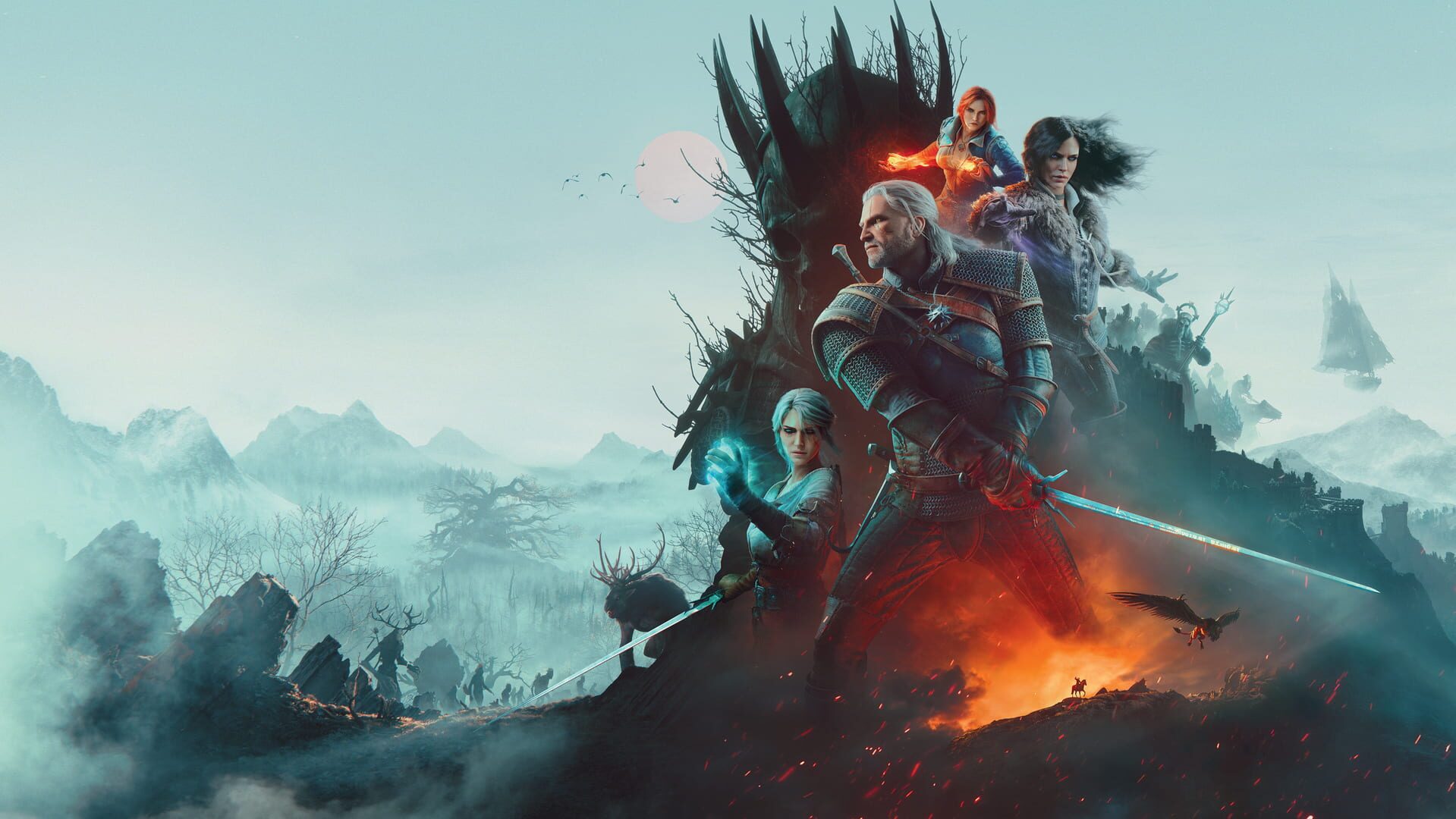
CD Projekt Red has officially released Patch 5.01 for The Witcher 3: Wild Hunt — Remastered on PC. This update focuses on refining specific combat mechanics and adjusting default graphical settings to improve the overall experience for players currently exploring the Continent. While the patch is relatively focused, it introduces several quality-of-life changes that address long-standing community feedback regarding combat utility and technical stability.
Key Gameplay and Technical Adjustments
The update brings a notable change to the Exploding Shield skill, which now incorporates damage reflection, providing players with a more effective defensive option during intense encounters. Additionally, the developers have addressed several technical quirks that previously hindered movement and exploration. Players will notice improvements to boat collision physics, ensuring that navigating the waters is less prone to unexpected interruptions. Ladder animations have also been polished to ensure smoother transitions, and combat mechanics—specifically dodging and stamina management—have been tuned for better responsiveness.
Beyond these combat and movement tweaks, the update includes several backend adjustments that impact how the game handles settings and user data. Notably, the default setting for Dynamic Resolution Scaling has been switched to OFF, which may require players to manually re-enable the feature if they prefer it for performance stability. Furthermore, due to unforeseen backend issues, all players will be prompted to re-confirm their policy consent preferences upon launching the game after the update.
Summary of Changes
- Combat Enhancement: The Exploding Shield skill now includes damage reflection.
- Graphics Default: Dynamic Resolution Scaling is now set to OFF by default.
- Policy Update: Policy consent screens will reappear for all players due to backend issues.
- Stability Fixes: Improvements to boat collision, ladder animations, and combat stamina mechanics.
These changes represent a concerted effort to stabilize the PC version of the game. Players should be prepared to spend a moment in the settings menu to ensure their graphical preferences remain aligned with their hardware capabilities after the update is applied. The requirement to re-confirm policy consent is a one-time necessity to ensure that all user data preferences are correctly synchronized with the updated backend systems.