
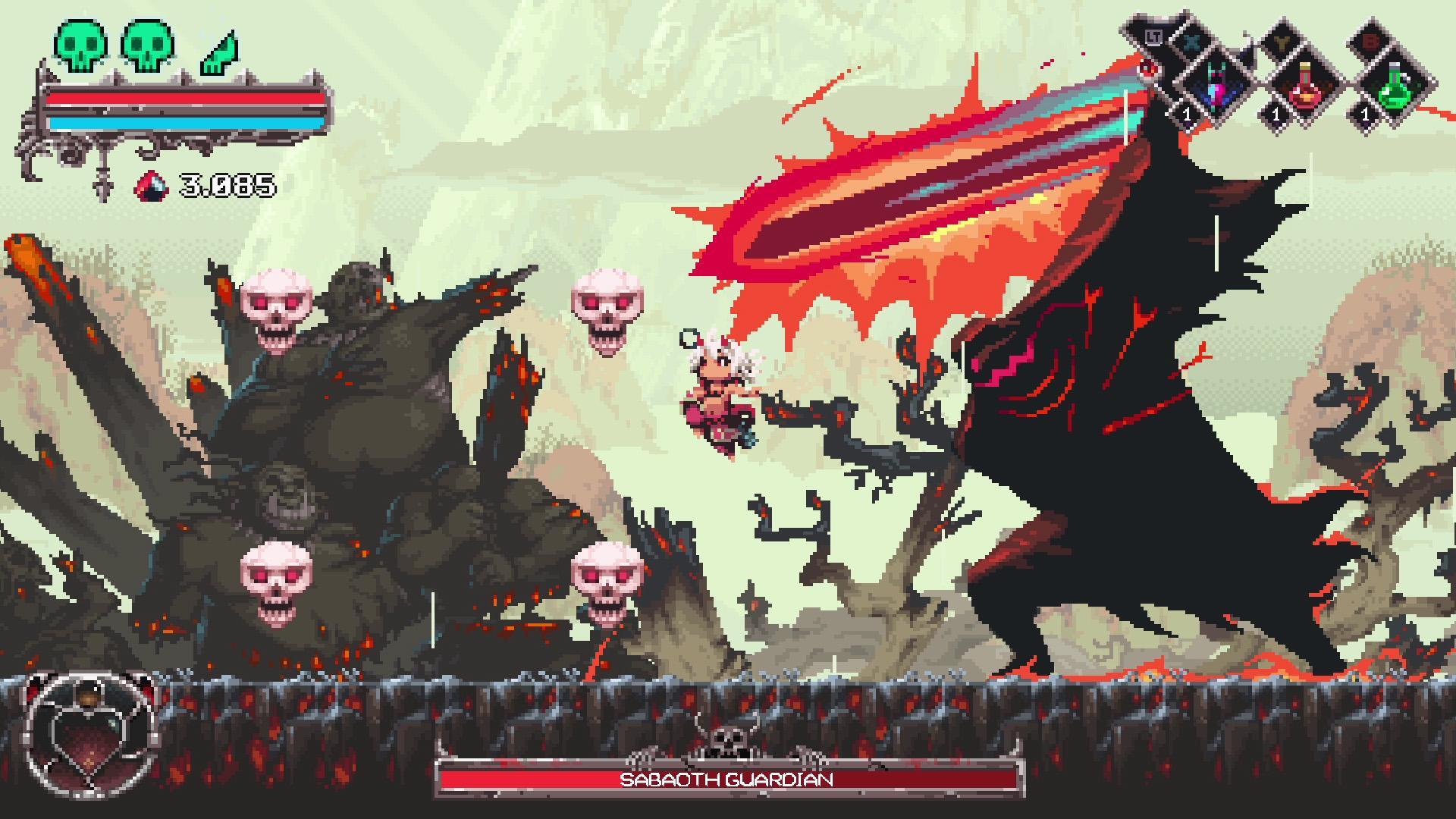
The developers behind Okko The Exiled have officially rolled out a comprehensive update that introduces full Steam Input integration to the PC version of the game. This long-awaited addition gives players far greater control over their hardware setups. By integrating directly into the Steam ecosystem, the feature allows you to customize your preferred controller layouts entirely from scratch and share your bespoke configurations directly with the community through Steam. If you prefer running your pads without Valve's overarching configuration layer interfering, the developers made sure to include a toggle. You can easily disable Steam Input at any time by navigating to your Steam Library, right-clicking the game, opening the Controller Properties menu, and turning the feature off completely.
Alongside the broader controller integration, the development team focused heavily on improving hardware-specific performance and input handling. Players who rely on a Nintendo Switch Pro Controller will notice visibly improved compatibility and stability during play sessions. Furthermore, the opening hours of the campaign have received direct attention. The tutorial sequence is now noticeably more streamlined, featuring updated button input prompts designed to guide newcomers through the mechanics without unnecessary friction. Keyboard users have not been left out of this update either, gaining valuable interface flexibility. Most notably, potion buttons are now fully rebindable, letting you set up your keybinds around your personal preferences rather than dealing with rigid default layouts.
Steam Deck Adjustments and Input Specs
For players taking the action on the go, the patch includes specific adjustments tailored directly to portable hardware. When launching the game on a Steam Deck, the display will now automatically default to a 1280x800 resolution right out of the box, ensuring proper scaling and performance from your very first match. To help you track all the technical adjustments included in this recent deployment, we have broken down the core specifications below.
- Steam Input Integration: Full native support enabled for custom layouts and community sharing.
- Toggle Functionality: Can be completely disabled via the Steam Library Controller Properties menu.
- Nintendo Switch Pro Controller: Improved overall hardware compatibility and stability.
- Keyboard Customization: Potion buttons are now fully rebindable for personalized combat setups.
- Onboarding Flow: The tutorial has been streamlined with updated button input prompts.
- Steam Deck Display: Automatically defaults to a crisp 1280x800 resolution upon initial launch.
Getting the Most Out of the New Settings
These adjustments address several long-standing requests from the community regarding input options and peripheral support on PC and handheld devices. Setting up your preferred gamepad or tweaking your keyboard layout takes only a few seconds through the standard Steam overlay or the in-game options menu. Whether you are jumping back in for a fresh run or introducing a friend to the campaign using the newly streamlined tutorial, these adjustments make the overall experience much smoother. Make sure your client updates automatically to apply these fixes and enjoy the expanded controller freedom starting today.