
Valve has rolled out a fresh update for Proton Experimental bringing targeted bug fixes and stability improvements for running various Windows games on SteamOS and Linux. As Valve's testing ground for future stable numbered Proton versions, the experimental channel receives frequent patches to expand game compatibility.
Quick Facts
- Platform: PC (Linux / SteamOS / Steam Deck)
- Release Date: August 7, 2026
- Key Game Fixes: Far Cry 5, Nightingale, Lords of the Fallen, Forza Horizon 4, SYDE Rugby League Simulator, and multiple Command & Conquer titles.
Proton Experimental Patch Notes and Fixes
The August 7 update addresses several high-profile issues across recent and classic releases, resolving driver warnings, authentication errors, and Proton 11 regressions:
- Far Cry 5: Fixed an issue causing the game to show old driver warnings when running on AMD GPUs, alongside a fix for HDR failing to work properly.
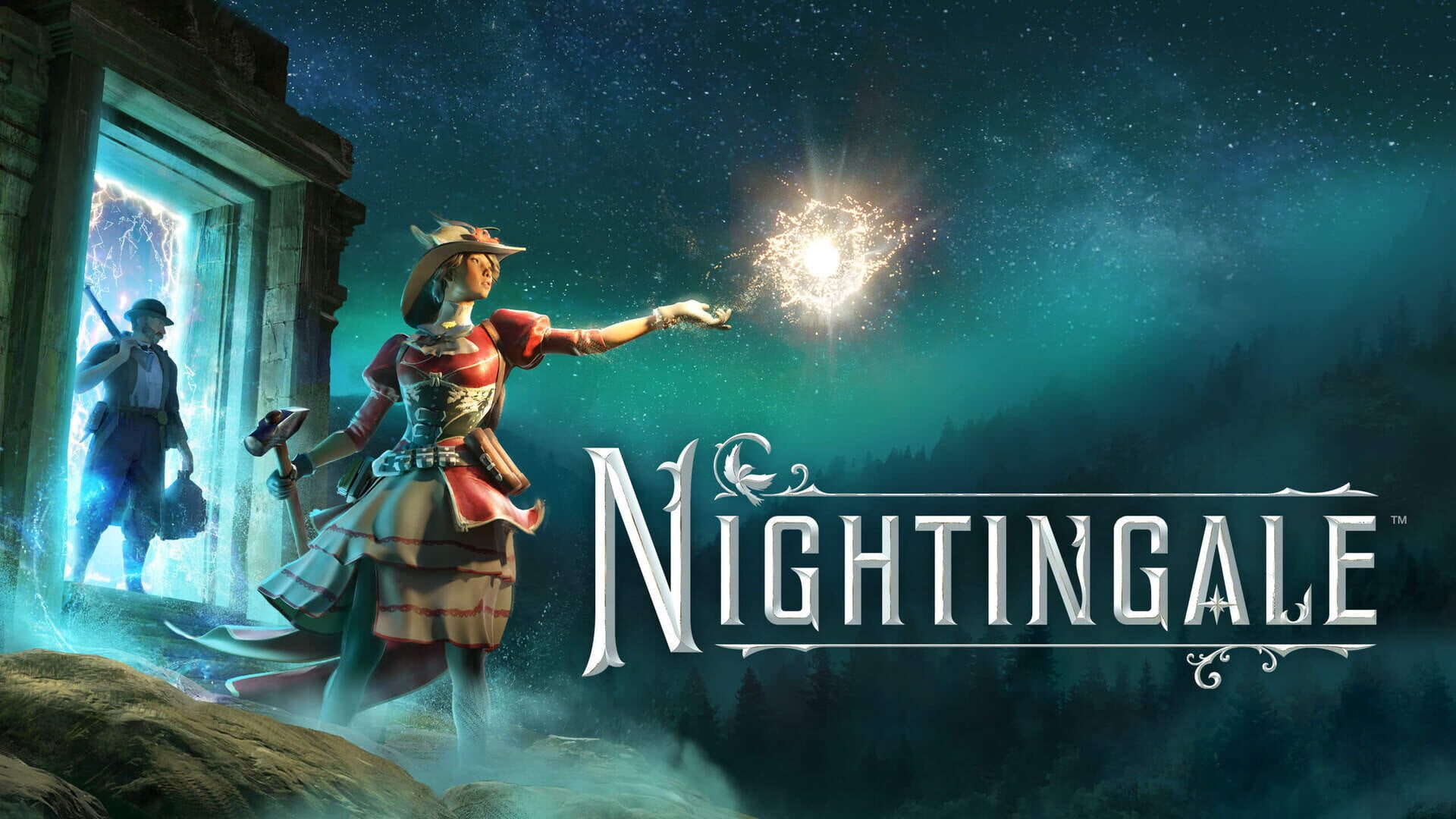
- Nightingale: Resolved Steam authentication failures that prevented proper sign-in.
- SYDE Rugby League Simulator: Fixed garbled and flickering rendering bugs.
- Lords of the Fallen: Addressed a Proton 11 regression to make the game playable again.
- Forza Horizon 4: Fixed a memory leak occurring on first start when running on KDE Wayland.
- Command & Conquer Series: Restored custom Steam Workshop level detection for Command & Conquer: GeneralsCommand & Conquer: RenegadeCommand & Conquer Generals Zero HourCommand & Conquer Red Alert 3Command & Conquer 3: Kane's Wrath and Command & Conquer 3: Tiberium Wars.
How to Switch to Proton Experimental
If you encounter issues with any of the patched titles on your Linux system or Steam Deck, you can force Steam to run the game using the experimental compatibility layer:
- Open your Steam Library and search for Proton Experimental to ensure it is installed.
- Right-click the game you want to play and select Properties.
- Navigate to the Compatibility tab.
- Check the box labeled Force the use of a specific Steam Play compatibility tool.
- Select Proton Experimental from the dropdown menu and restart the game.