
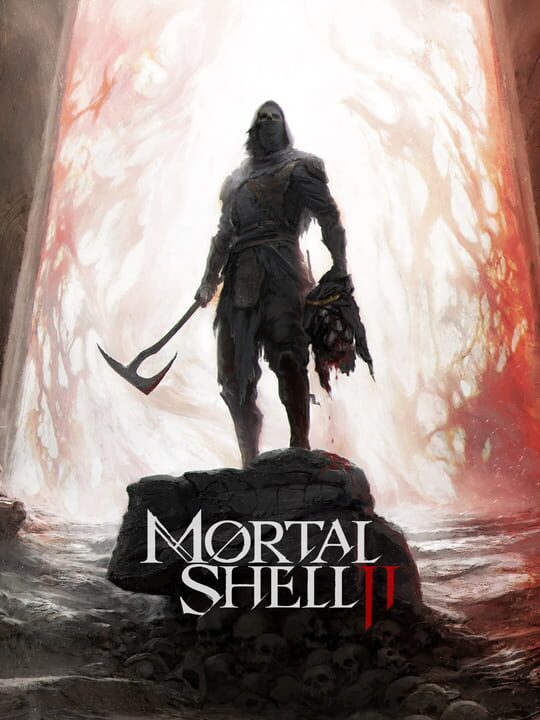
The first reviews have arrived for Mortal Shell 2 giving players a clear look at how developer Cold Symmetry's sequel stacks up ahead of its full launch on Thursday, August 20, 2026. For players willing to purchase the Devout Edition, early access is already underway on Xbox Series X, Xbox Series S, and other platforms.
Early critic scores show a notable step up from the first entry. While the original game secured a 76 Metacritic rating, the sequel is sitting on an 84 on PC and an 88 on PS5, with early platform reviews matching that positive momentum.
What Critics Are Saying About Mortal Shell 2
Reviewers largely agree that the sequel is a major upgrade over the original soulslike title, praising its expanded scope and refined combat mechanics.
- COGConnected (9/10): Called the game an "immensely impressive upgrade" that vastly expands upon the original short-story feel into a "richly textured epic novel," despite minor issues with pacing, opacity, and difficulty spikes.
- Giant Bomb (9/10): Noted that Cold Symmetry built a game remarkably close to a perfect difficulty center with a primary focus on making the experience fun first.
- ShackNews (9/10): Praised the sequel as one of the best follow-ups in recent memory, expanding every aspect of the original while retaining brutal, unforgiving gameplay.
- CGM (8.5/10): Highlighted the kinetic gameplay, soundscape, and visuals that sell the world's despair.
- Console Creatures (7/10): Pointed out that while the core shell-based formula remains familiar, a dedicated focus on fairness makes it playable for a wider audience.
Pricing and Availability
Mortal Shell 2 costs £39.99 / $49.99 on the Xbox Store for the standard release on August 20, 2026. Players seeking immediate early access can purchase the Devout Edition for £47.99 / $59.99.