
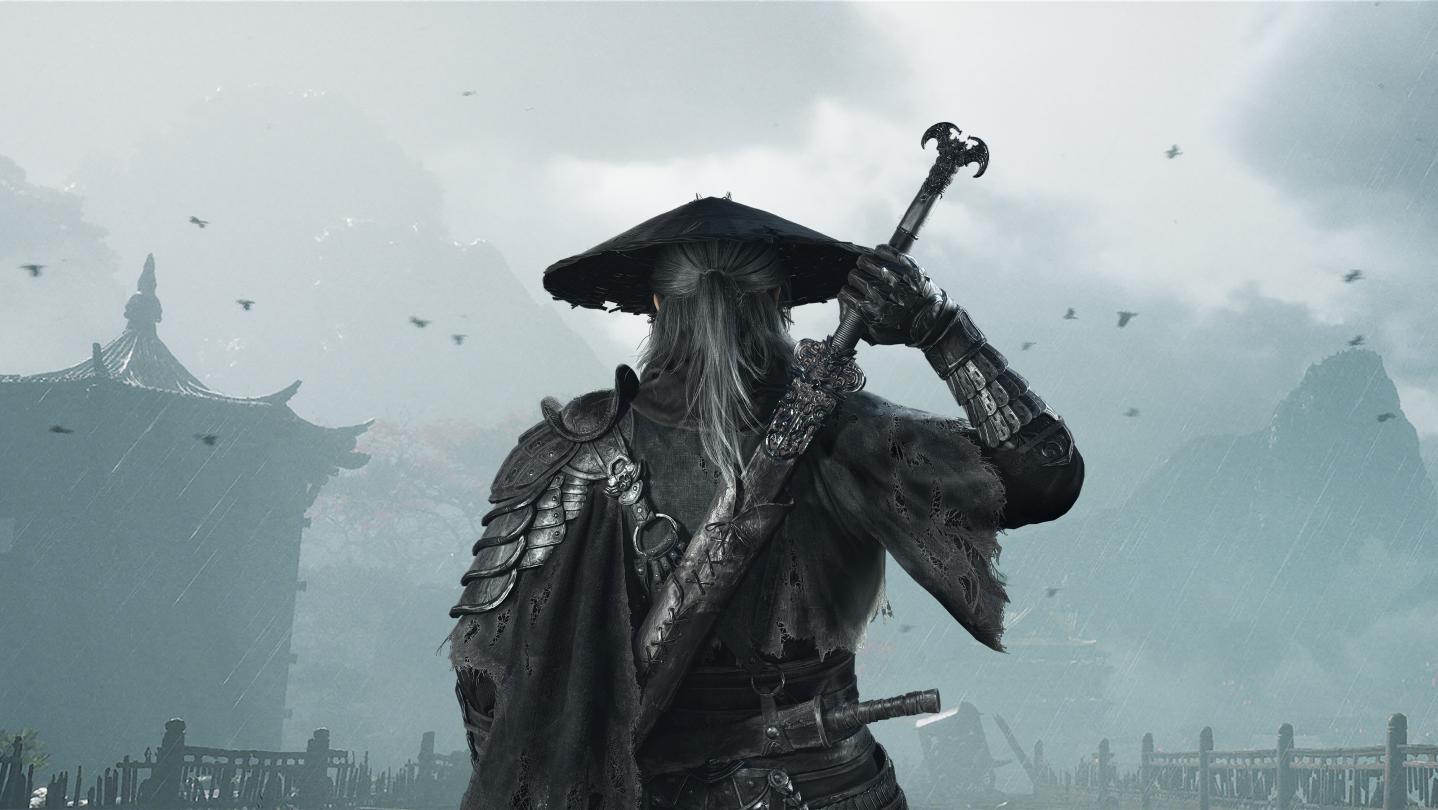
S-Game has deployed the first major post-launch update for Phantom Blade Zero on PC. The patch addresses early community feedback regarding boss balance, audio settings, and technical performance.
Key Combat and Boss Changes
The primary balance adjustment targets Hua, Deadly Betrothed. The frequency of her grab attacks has been reduced, but this change applies exclusively to the Wayfarer and Pathbreaker difficulty settings. Other bosses and enemies have also received unspecified combat adjustments, and environmental mechanisms have been tuned.
Technical Improvements and Audio
The update introduces several quality-of-life changes for PC players:
- Shader Compilation: The game no longer compiles ray-tracing shaders by default on startup, which significantly decreases initial launch times.
- Audio Customization: New options for “Hit Sound Effect Intensity” and “Hit Impact Sound Effect Intensity” are now available in the audio settings.
- Input Customization: The “Interact” key can now be fully remapped for both controllers and keyboards.
- Controller Support: Stuttering issues associated with Bluetooth controllers have been addressed.
- NVIDIA Reflex: The feature now functions correctly when set to “Auto” while V-Sync is enabled.
Additionally, developers have enhanced the impact feel of weapon hits and adjusted the volume levels for dialogue and sound effects. Several progression-blocking bugs and issues causing characters to get stuck in the environment have also been resolved, alongside a fix for abnormal hair rendering on specific AMD graphics cards.
Player Action Required
Players who had ray tracing disabled prior to this update must recompile shaders upon their first launch. This process is automatic and takes little time. If you wish to enable ray tracing after the update, you must restart the game, at which point the necessary shaders will compile separately.