
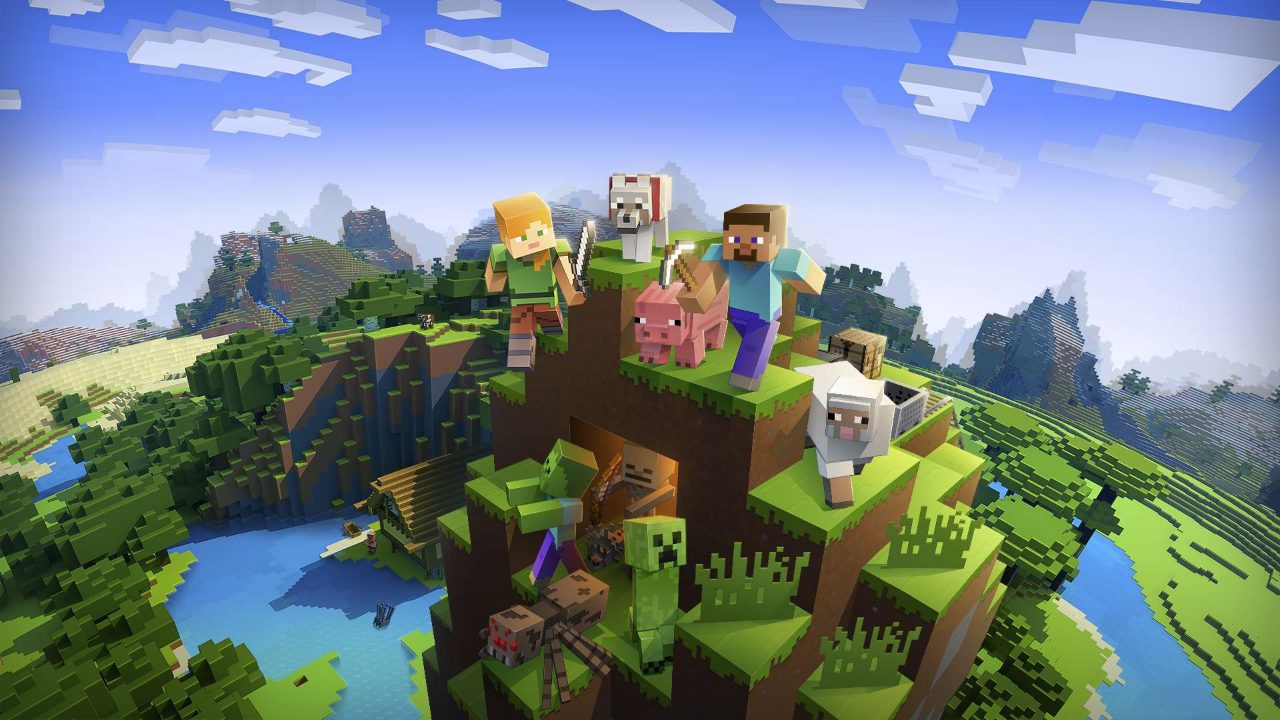
Minecraft continues to receive regular updates across PC and console platforms in 2026. Whether you are a new player or a long-time builder, staying informed on current game mechanics and community news is essential for your survival journey.
Recent Community Developments
As of August 3, 2026, several key issues affecting the player base have been addressed:
- Discord Bans: Thousands of accidental bans issued to Minecraft players due to automated flagging of screenshots have been overturned by Discord.
- Cushion Performance: Following community concern, it has been confirmed that the recently added cushions do not negatively impact game performance or cause lag.
- Industry Discussions: Reports indicate that Microsoft is exploring potential directions for the game, with internal memos suggesting interest in elements similar to the Roblox platform.
Getting Started: Your First Day
Starting a new world can be daunting. If you are just beginning your survival journey, follow these steps to secure your first night:
- Resource Gathering: Punch trees to collect wood, then create a crafting table to convert logs into planks and sticks.
- Tool Crafting: Use your wooden planks to build a pickaxe, which is necessary to mine stone for higher-tier gear.
- Shelter and Bed: Construct a simple building before dark to avoid hostile mobs. Crafting a bed using wool allows you to set your spawn point and skip the night.
Essential Gameplay Pillars
Mastering Minecraft requires a balance of mining, building, and combat. Use these strategies to progress efficiently:
Mining and Resource Management
To acquire the best materials, you must move beyond the surface. Focus on finding iron for early armor and descend into deepslate layers for rarer finds. Always carry torches to light your path and prevent hostile mobs from spawning in your tunnel networks.
Farming and Building
Builders should prioritize setting up a stable food source early. Planting crops like potatoes or wheat near your base ensures you can manage hunger effectively. For more complex structures, utilizing redstone circuitry can automate basic resource farms, such as chicken egg or cooked chicken setups.
Combat and Exploration
Survival depends on your ability to navigate dangerous environments. If you are exploring, keep a map or compass on hand to avoid getting lost. For those seeking high-tier rewards, structures like Ancient Cities and Ocean Monuments offer significant loot, provided you are prepared with enchanted equipment.
Technical Support and Settings
If you encounter bugs or performance drops, you can monitor your game's health by accessing the debug screen using specific keybinds. Players looking to customize their experience can also explore guides on installing shaders, texture packs, and mods to alter the visual and functional aspects of their worlds.